Version 10
See the jam before you're in it.
ACom is a traffic app for people who drive the same road every day. Set the area that concerns you once — after that, one glance tells you whether today is going to be different.
What the app does
One area, not the whole world
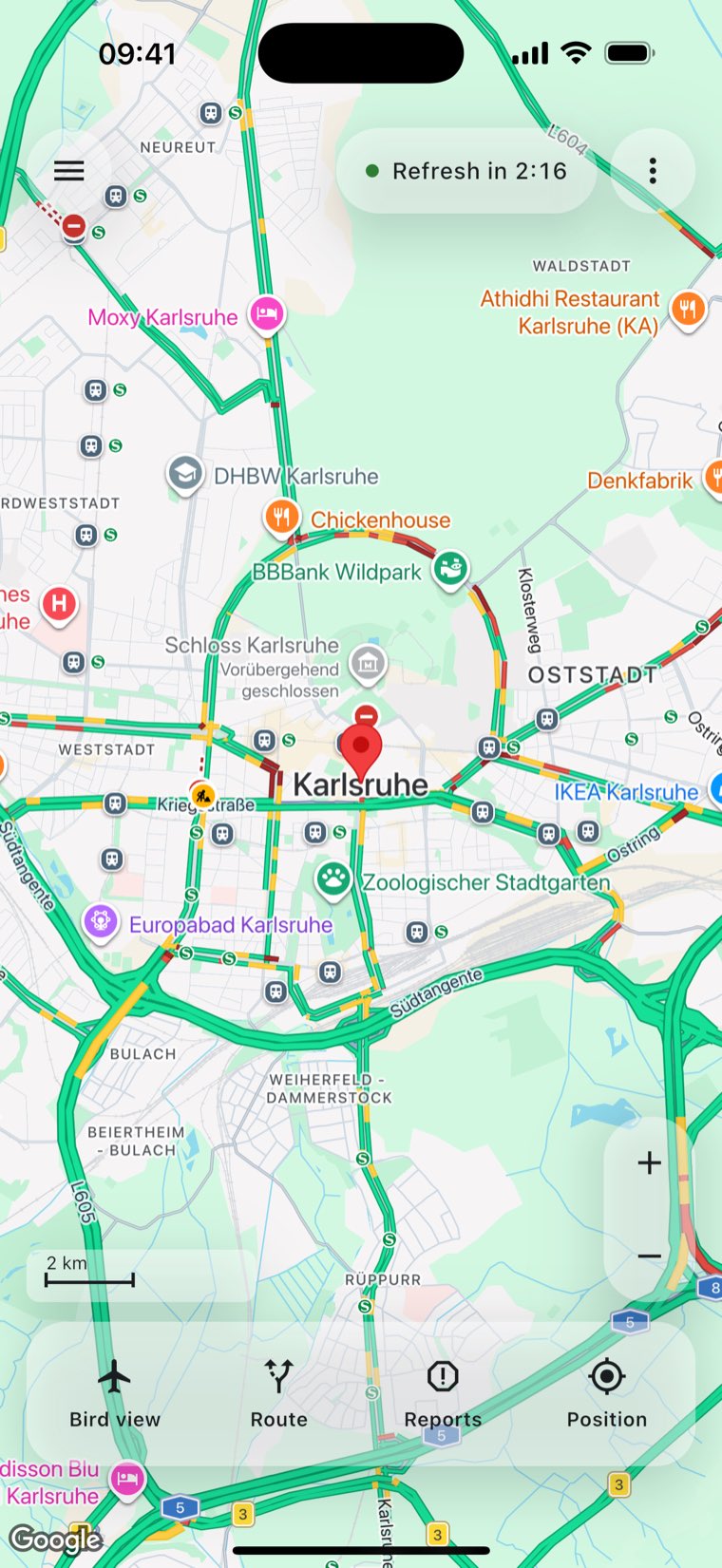
You decide which area matters — by address, by place search, or as a route from A to B. Everything else follows from it: the incidents, the list, the view the app opens on.
Traffic, redrawn every three minutes
The map carries Google's live traffic and refreshes it on its own. A countdown in the top bar says when the next redraw is due, so you always know how old the picture is.
Incidents in plain words
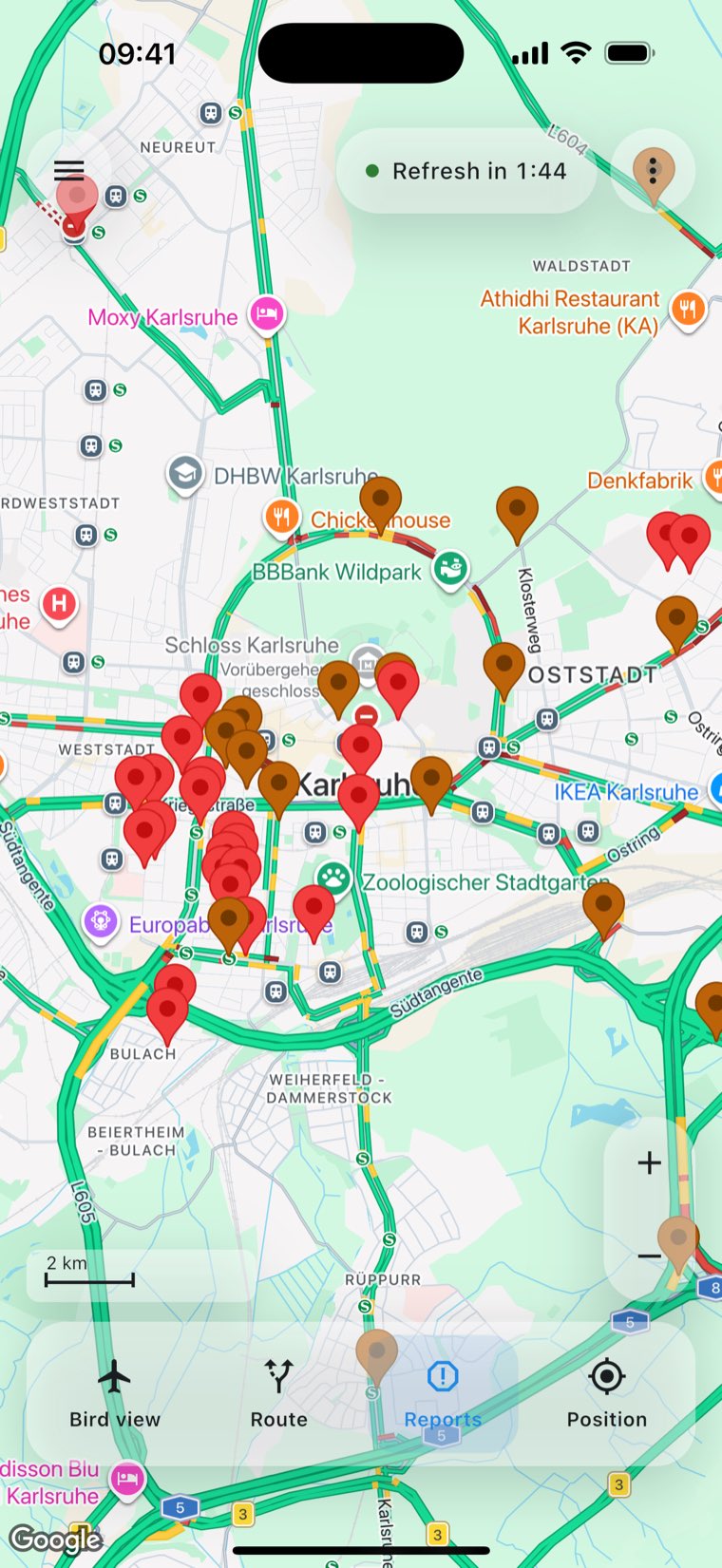
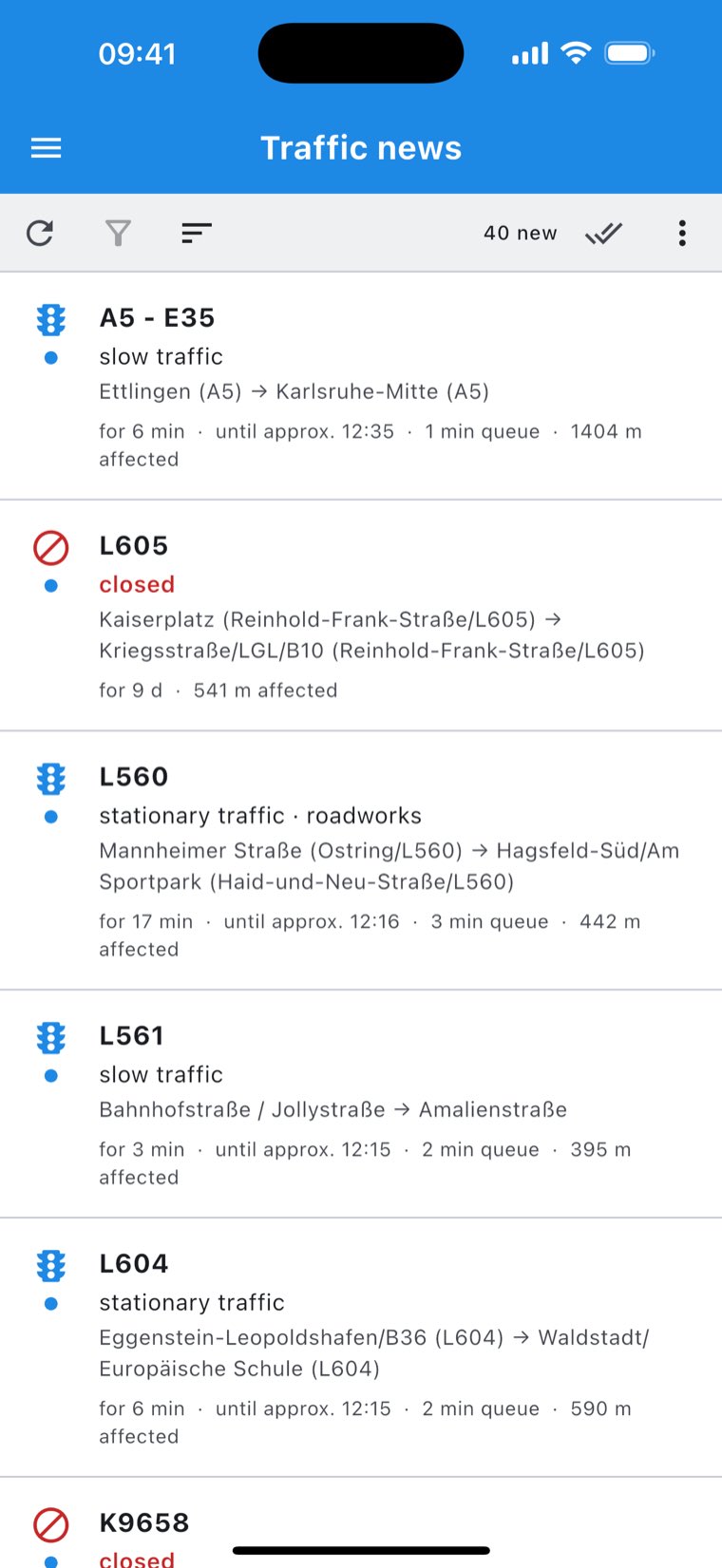
Jams, roadworks and closures from TomTom — as markers on the map and as a list you can sort and filter. Every entry says how long it is and how old.
Check the route before you go
One tap on Route gives you the driving time, how much of it is traffic, and whether a detour is worth taking. If it is, you can send the navigation that way.
Bird view for driving
The map turns with you: forward is up, and your position sits in the lower third. Stop the car and the compass takes over — otherwise the map would spin at every red light.
As many maps as you like
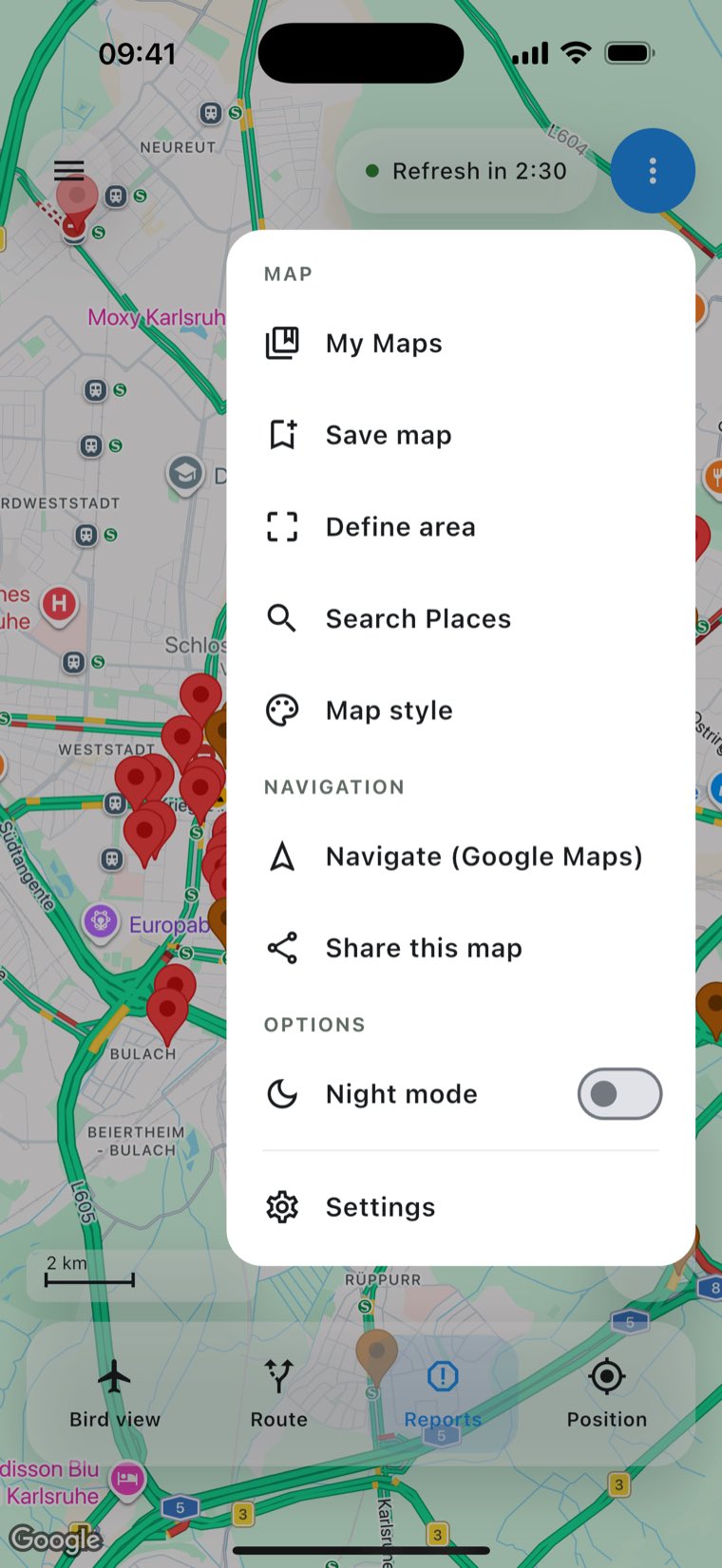
The commute, the drive to your parents, the holiday run: save it, name it, load it with one tap. The 16 fixed slots of the previous version are now a list with no ceiling.
Things worth knowing
ACom has no registration. Your saved maps, settings and read incidents live on your device, not with us. Exactly what the app sends to which server is spelled out in the privacy policy.
ACom is free and shows an ad from time to time. In the EU a consent form appears before the first one, asking whether ads may be personalised — you may decline and keep using the app normally. Details under Advertising and consent.
Keep your eyes on the road and obey the applicable law. Traffic data is not real-time, route information can be inaccurate or unsuitable, and location accuracy is not guaranteed. Plan before you set off, not on the way.
Where to next
Help
Every button, every setting, every message — in the order you meet them.
Support & FAQ
What to do when no incidents arrive, the position is missing, or the import stalls. And how to reach us.
Privacy
What the app processes, why, for how long — and what it deliberately never stores.